|
900 Echols Street
SE |
High Performance,
Affordable Accessories
|
|
900 Echols Street
SE |
High Performance,
Affordable Accessories
|
|
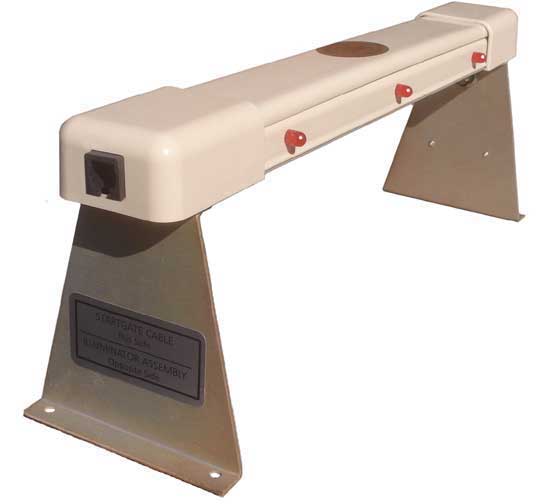
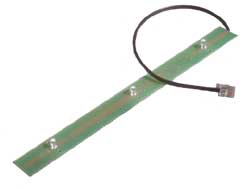
The Judge has two parts: The Display Bar that mounts over the top of the finish line, and the Illuminator Assembly that mounts under the track. The Illuminator Assembly generates a beam of infrared light in each lane, which is monitored by sensors directly above. When a car breaks the beam with its front bumper, the electronic circuits instantly display the results to your audience by the bright red lights in the Display Bar. The winner gets a steady red, the second place gets a flashing with 50% duty cycle, and the third place gets a winking with 5% duty cycle. The lights are bright, and easy to interpret across a large gymnasium. Display Light
Code for The Judge: More Light = Faster Car.
After displaying the finishing order for up to 20 seconds, the Judge resets for the next race with its distinctive "Light Show" During this period, it does a recount on active lanes, checks all circuits, and signals rediness by a continuous green winking light. This light also indicates the timer status.
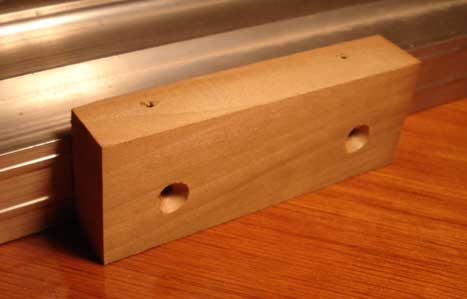
The car clearance, if mounted on the track's running surface is 3.1 inches. It may be raised up considerably (typically 4 more inches) to allow taller cars. We can supply blocks for this purpose. Basic prices range from $149 to $299. All Judges may be ordered with optional features which affect the price. These include two different timing capabilities called E.T., and Computer Option. If you hold your derbies outdoors, you will need Sunlight Max. In addition, you may order User-Settable Display Time, Push Button Reset, and Wall Transformer Option. And finally, you may specify your cabling details if you choose Computer Option. Judges are available in sizes from 1 lane to 8 lanes. Except for the width and lane spacing, they all look and function the same. Each Judge is custom built to fit your track, although we stock certain sizes to fit popular tracks available on the market. We call these Judges Standard, not because they are recognized by any organization as such, but because we pre-manufacture the enclosures in quantity. This allows a cost savings which we pass on to you, as well as faster response to orders. We know the lane spacings of all commercial tracks, so if your track is commercial, you need only specify the manufacturer, number of lanes and length. If your track is Home-Built, you must supply dimensions. Measuring Your Home-Built Track Sometimes the lanes of Home-Built Tracks are not perfectly uniform and symmetrical. In that case, we customize the Judge to place the sensors directly over the lane centers, but need exact dimensions from you. First, make a little mark in the exact center of each of your lanes at the finish line. Use a ruler, because wood grain tends to fool the eye. Then hook your tape measure on the LEFT edge of the track deck. LEFT means LEFT as the driver of a car would define it. Lane 1 is his leftmost lane. Without moving the tape measure, read off the distance to each of your marks. As a final dimension, measure all the way to the right edge of the track deck. By taking all dimensions from a common point, you don't accumulate errors. Of course, you may discover that
the carpenter has made a perfectly uniform track, in which case, just the
center-to-center distance between lanes describes it all. If your track
has unusual features such as side walls, we need to know this. Photos sent
by email are often very helpful.
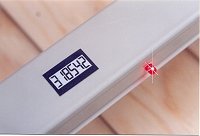
Why would I want E.T.? Good question. Here are three good answers:
Computer Option Timing $99 plus $6 per lane
When you order Computer Option, you have the ability to see the complete results of each race come up on your computer screen exactly as shown above in free terminal programs such as Hyperterminal, or PUTTY. Once you achieve your settings, save and place a Judge shortcut icon on your desktop. Then, when your computer is turned on, you are only one mouse click away from the derby. But the best part of Computer Option Timing is that once the data from the Judge is sent to your computer, the sky's the limit! If you are a programmer, you can make your own program to parse the incoming message, combine it with the boys' names, and integrate it into your methology to determine the fastest cars. You can create the entire race schedule, assign lanes, keep track of individual or group times, show scale speed, show who is on deck for the next race, and many other things. You are limited only by your imagination. If you are not a programmer, you can relax and let the best cyberminds in the industry do this for you. Here are two fine derby management programs that interface perfectly with The Judge, and provide you with the ability to completely automate your derby. Look over each, and decide which one serves your needs the best. We stock them both in CD format and will pack one with your order at the same price offered at their respective websites These software packages are also used for Space
Derby races. Click icons to learn more about each.
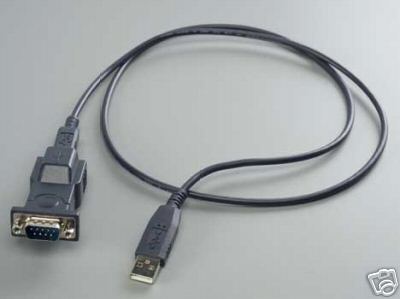
Note 1. These software packages are designed for PC use, operating systems Windows XP and later. Note 2: Software support must be obtained directly from the respective authors. Software is not returnable or refundable. When you get Computer Option, you will need communication from The Judge to your computer, and also to the start gate switch, We can supply these cables in configurations to suit. The most popular cable configuration places you with your computer near the start line, where you can be conversational with the persons setting the cars. There might be some price adjustments necessary for unusually long cables. USB to Serial Converter $29
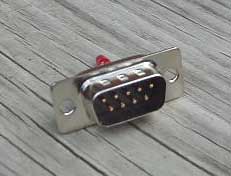
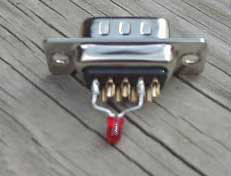
Computer Message Tester $2
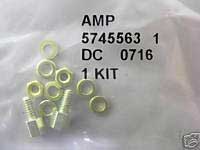
Screw Lock Kit $2
Sunlight Max Option $29 plus $5 per lane Most Pinewood Derby races are held indoors during the winter months, so The Judge is designed to normally work indoors. Outdoor light, even on overcast days, contains intense infrared energy that can overpower the normal sensors, and cause malfunction. You might be able to get The Judge to work if you are in deep shade of foliage, or under a pavilion roof, but it is dicey. If you want outdoor operation, then schedule your event after dusk, and use florescent lighting (any intensity). But if you really need to operate in daylight, then get Sunlight Max The sensors of Sunlight Max are high performance photodiodes with active elliptical filtering. They have the ability to detect and respond to a unique code contained in the specially generated light. They ignore other competing light sources, and work even in full sunlight. Two side benefits of Sunlight Max sensors
All Judges automatically reset after displaying the race results to your audience for 22 seconds. Most people think 22 seconds is about right. There are two reset details that you may consider to customize your Judge. These extra cost choices are independent. You may order either one or the other, or both for $16. * User Settable Display Time $10 You may set the display time to your choosing from 8 to 22 seconds, to adjust the pace of your derby. * Push Button Reset $10 The push button, mounted on the top surface of the display bar, will cause an immediate unconditional reset. You can also enter the Manual Mode, in which the display lasts indefinitely until you reset. If you get the push button reset, you will still have automatic reset capability.
All Judges work on three AA size batteries which you insert into a battery holder on the left support bracket. At extra cost, you may get the Wall Transformer Option which will allow you to use 120VAC house current as well. Battery operation is great because there are no cords running around the floor to trip over. But if your track is set up for many days or weeks each year, then Wall Transformer Option makes sense because it soon pays for itself in terms of battery cost. A single set of batteries will power a 1 or 2 Lane Judge for 20 hours, a 3 or 4 Lane Judge for 12 hours, a 5 or 6 Lane Judge for 8 hours, and a 7 or 8 Lane Judge for 6 hours. Wall Transformer Option is recommended for 8 lane Judges with normal indoor sensors. Judges having Sunlight Max sensors will operate on batteries about three times as long as those having normal sensors, and this 8 lane recommendation does not apply. If you lose your wall transformer, we can replace, or you might find one locally. The plug is 2.1x5.5mm, center positive, any voltage between 6 and 35VDC. The Judge is IEEE Compliant and not fussy. BestTrack Customers: See important note regarding finish line illuminators HERE.
Order by Part Number
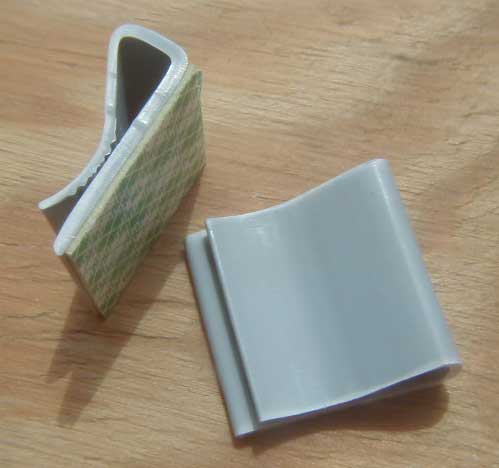
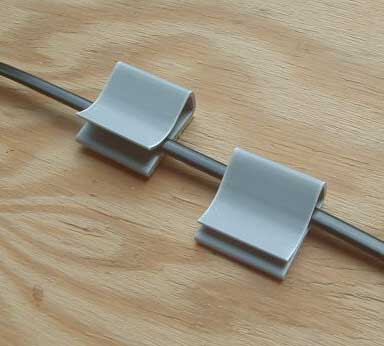
CABLE MANAGEMENT CLIPS $0.40 each
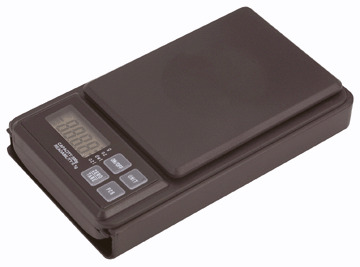
Highly Accurate. Perfect for weighing Pinewood Derby Cars!
|
|||||||||||||||||||||||||||||||||||||||||||||||||||||||